Picture a maintenance technician standing next to a broken compressor with no idea when it was last serviced, what parts it needs, or whether someone already logged this same fault last month. They walk back to a desktop terminal, dig through paper logs or an outdated system, and lose thirty minutes just figuring out what should have taken three. This is still daily life for teams relying on desk-bound systems to manage field equipment.
SAP mobility solutions fix exactly this gap by putting live equipment data directly into the hands of the people who need it, right where the work happens. And that shift changes how fast, how accurate, and how connected field operations actually are.
The Real Cost of Disconnected Equipment Data
When equipment records sit locked inside a desktop-only SAP system, field teams end up working from memory, guesswork, or outdated printouts. A technician might replace a part that was already replaced last week, simply because no one updated the record in time. Delays like this pile up. Maintenance windows stretch longer than planned, inventory gets ordered incorrectly, and supervisors spend more time chasing paperwork than solving actual problems.
None of this is a people problem. It is a data access problem, and it shows up everywhere equipment lives outside a building with a desk in it.
What Changes With Mobile Access
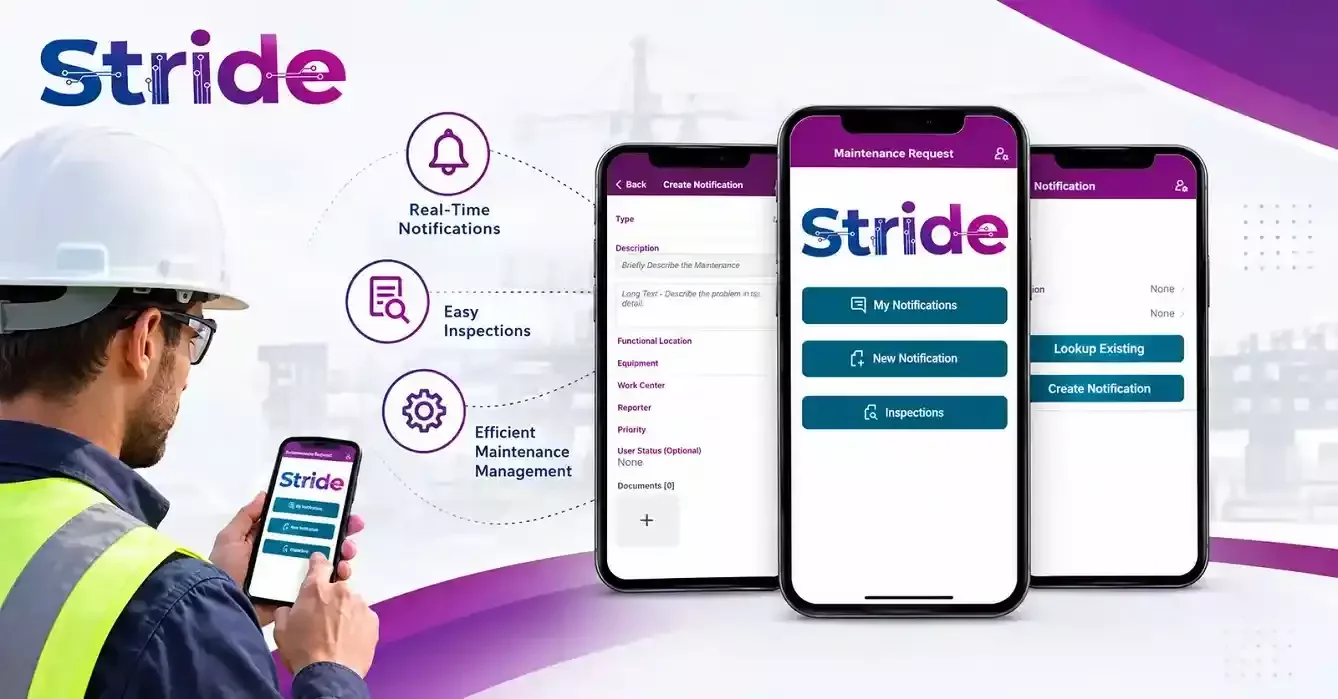
Give that same technician a tablet or phone connected through SAP mobility solutions, and the picture flips. They scan an asset tag, pull up its full history, log the repair on the spot, and the record updates instantly across the system. No paper, no memory gaps, no waiting until the end of the shift to type notes into a terminal. Supervisors see status changes as they happen instead of the next morning. Planners get accurate part usage data instead of estimates.
The equipment itself becomes something the whole organization can see clearly, not just the person standing in front of it.
Where SAP Mobile Development Fits In
None of this happens by installing an app and hoping it works. SAP mobile development is what turns a mobile screen into something that actually matches how field teams operate, including barcode scanning, offline functionality for locations with poor signal, and interfaces built for gloved hands and quick taps rather than long typing sessions. A well-built mobile layer talks directly to core SAP modules like Plant Maintenance and Asset Management, so nothing gets duplicated or lost in translation between systems.
The strength of the mobile experience depends entirely on how well this development work is done.
Offline Capability Matters More Than People Expect
Warehouses, remote job sites, and underground facilities all share one thing: unreliable connectivity. A mobility solution that only works with a strong signal is not much use to a technician inside a basement mechanical room.
Good SAP mobility solutions are built to capture data offline and sync automatically once a connection returns, so field work never has to pause and wait for a signal bar to appear.
Fewer Errors, Faster Decisions
Manual data entry is where most equipment records go wrong. A digit gets transposed, a serial number gets misread, a form gets filled out from memory hours after the actual repair. Mobile-first data capture removes most of that risk because information gets entered once, on the spot, by the person who actually did the work.
Fewer touchpoints mean fewer chances for mistakes, and that accuracy carries straight into planning, budgeting, and compliance reporting down the line.
Better Visibility Across Teams
When equipment data updates in real time, everyone downstream benefits. A plant manager can check machine status without walking the floor. A procurement team can spot recurring part failures before they become a pattern nobody noticed. A compliance officer can pull maintenance history without waiting for someone to compile it manually.
This kind of visibility does not need extra headcount or new processes. It just needs the data to move at the same speed as the work itself.
Scaling Across Facilities and Field Teams
Organizations running multiple sites often struggle to keep equipment records consistent from one location to the next. Mobile access built on a shared SAP backbone keeps every site working from the same data structure, so a technician in one facility sees the same asset history format as one three states away.
That consistency makes reporting cleaner and training new staff considerably easier, since the tools and workflow stay the same no matter where someone is standing.
Conclusion:
Equipment data only creates value when the right person can reach it at the right moment, and that is exactly what mobile access delivers to field teams who used to work blind. Bringing SAP mobility solutions into daily operations turns scattered, delayed information into something immediate and trustworthy.
At Stride Software Solutions, we buildSAP mobile development around how your teams actually work in the field, not around a generic template. Our approach to SAP mobility solutions focuses on real-time equipment visibility, offline reliability, and clean integration with your existing SAP environment, so your data works as hard as your people do.
If disconnected equipment records are slowing your teams down, it's worth looking at what a properly built mobile layer could do for your operations. Reach out to Stride Software Solutions, and let's talk about building SAP mobility solutions and SAP mobile development that actually fit how your business runs.