
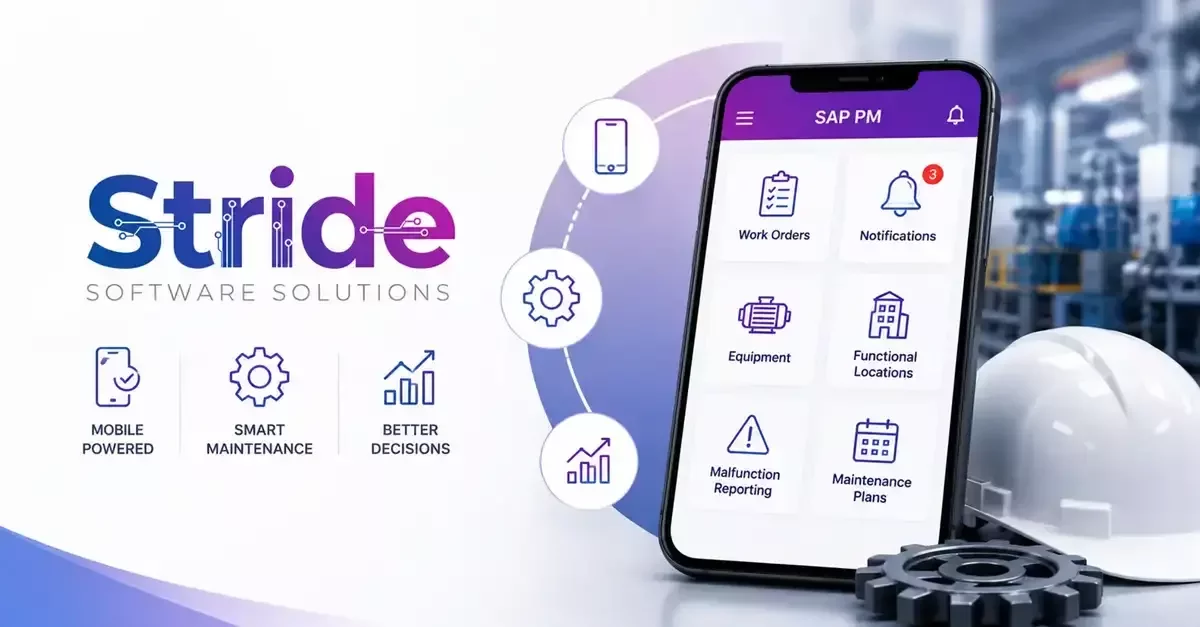
Investing in maintenance technology is never just about adding another tool to the mix. It is about making sure technicians, supervisors, and maintenance teams can actually get their work done more efficiently when they are dealing with real equipment, real deadlines, and the kind of unexpected problems that never show up in a product demo. A solution can look impressive during a sales presentation, but its true value only becomes clear once a technician is standing in front of a machine and needs the right information right away. Before choosing a mobile application for SAP PM, we believe it is worth slowing down and understanding how the system actually fits into daily maintenance work, and whether it genuinely solves the problems your team is facing rather than just adding a new layer of complexity on top of them.
Does the Solution Match Your Technicians' Daily Workflow?
Maintenance work rarely happens in one fixed spot. Technicians move across facilities all day, inspect assets, carry out repairs, and respond to issues that cannot always wait until they are back at a desk. Before committing to a solution, we think it is worth asking whether it lets technicians access assignments, update progress, record findings, and close out tasks without a lot of unnecessary steps getting in the way. A mobile solution for SAP PM work order management should support the way technicians already do their jobs instead of forcing them to bend around a complicated new process. When a system feels simple and practical to use, teams tend to stick with it consistently, and that consistency is what keeps maintenance records accurate over time.
Can Your Team Work Without Constant Internet Access?
Connectivity is one of those things that gets overlooked right up until it becomes a real problem. Many maintenance environments include areas where network access is weak, unreliable, or simply not there at all. A technician should not have to stop mid-task just because a connection drops at the wrong moment. Before selecting a solution, we recommend asking how it handles offline situations, what information stays available without a connection, and how everything gets synchronized once the technician is back online. A dependable system should let technicians keep documenting their work, capturing important details, and finishing assigned tasks even when they are working somewhere without a stable network.
What Information Will Technicians Be Able to Access in the Field?
A technician's ability to make the right call in the moment often comes down to having the right information at the right time. Looking at a piece of equipment without knowing its maintenance history, its recurring issues, or what repairs have already been done makes troubleshooting far harder than it needs to be. When evaluating a solution, we suggest asking what type of asset and work order information technicians can pull up directly from their devices. This can include things like:
● previous service records and repair history
● detailed equipment specifications
● inspection results from earlier visits
● step-by-step task instructions
● other relevant maintenance data tied to that asset
Giving technicians access to this kind of information in the field helps them work with more confidence and cuts down on delays that really did not need to happen.
How Easy Is It to Record Completed Maintenance Work?
Documentation is a necessary part of the job, but it should never turn into a frustrating extra chore layered on top of the actual work. A well-built system should make it simple for technicians to record what happened during a job without spending more time entering data than they spent fixing the problem in the first place. Before choosing a solution, we think it is worth considering whether technicians can easily update work order status from the field, add notes and photos and inspection results, log labor hours and materials used, and sync all of that back to the main system without extra friction. These small practical details tend to be exactly what determines whether a technology investment pays off over the long run or quietly gets ignored.
How Does It Connect With Your Existing SAP Environment?
Integration is one of the most important things to look at closely before making a decision. A mobile system should work alongside your existing SAP processes, not create a separate set of records that someone then has to manage by hand. We recommend asking how information actually moves between the mobile platform and SAP, how quickly those updates become visible, and whether the solution genuinely supports the maintenance workflows your team already relies on. The goal here is to improve accessibility and speed without ever letting your maintenance data become inconsistent across the organization.
Will the Solution Support Your Future Maintenance Needs?
The needs of a maintenance team rarely stay the same from one year to the next. New equipment gets added, teams grow, and processes tend to become more detailed as an organization matures. That is exactly why it is worth thinking beyond current requirements and asking about scalability, reporting capabilities, user management, and what future improvements are actually planned before committing to anything. Choosing technology that can grow alongside your organization helps you avoid facing another major overhaul the next time your maintenance demands increase.
Conclusion
A long feature list rarely tells you whether a system will actually work for the people using it every day. What matters more is whether the technology supports real tasks in real conditions, without adding friction to work that is already demanding enough. When technicians can pull up accurate information quickly, log updates without hassle, and stay connected to the rest of the maintenance team, the entire operation tends to run more smoothly and with far fewer surprises along the way. This is the value a mobile solution for SAP PM work ordermanagement is meant to deliver, bringing field activity and back office visibility closer together instead of keeping them as two disconnected processes. At Stride Software Solutions, we partner with organizations to think through these issues thoroughly, concentrating on what will really stand up to the rigors of daily use, not just what looks nice on a proposal. If you are considering your alternatives, we would be happy to discuss your specific needs and help identify the best solution for your maintenance operations.