
Maintenance Works Best When Information Ils Easy to Reach
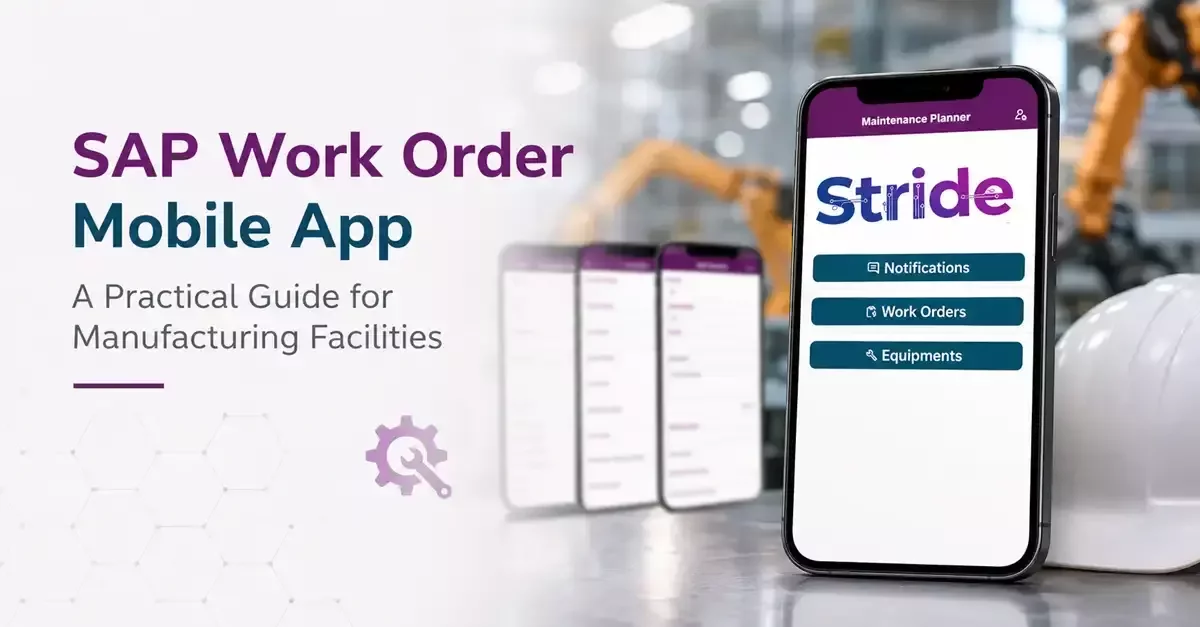
Spend enough time inside a manufacturing facility, and you start to notice the same pattern. Maintenance teams are always on the move. One moment they're inspecting a packaging line, the next they're troubleshooting a motor that has unexpectedly stopped production on the other side of the building. Very little of their day happens behind a desk. That is why the way maintenance information is delivered matters just as much as the information itself. A SAP work order mobile app gives technicians access to work orders where the job is happening, not where the nearest computer happens to be. It sounds like a small shift, but in practice, it changes the pace of the entire maintenance process.
The Small Delays That Add Up
When people talk about maintenance efficiency, they often focus on equipment or staffing. In reality, many delays come from something much simpler. A technician has to walk back to an office to check a work order. A handwritten note is difficult to read. A repair is completed, but the update sits in someone's pocket until the end of the shift. None of these moments feels significant on its own. Together, they quietly slow everything down. Giving technicians immediate access to maintenance information allows them to move from one task to the next without those interruptions. It also improves the quality of maintenance records because details are captured while the work is still fresh instead of hours later.
Features That Make Everyday Work Easier
The best maintenance tools are usually the least noticeable because they fit naturally into the way technicians already work. Rather than adding extra steps, they remove them. A practical mobile solution should include:
●Offline access for locations where network coverage is unreliable
●Barcode or QR code scanning to identify equipment quickly
●Digital inspection checklists
●Photo attachments for documenting repairs and equipment conditions
●Real-time work order updates
●Access to maintenance history while working in the field
●Secure synchronization with SAP systems
Better Information Leads to Better Maintenance
Every completed repair becomes part of an asset's history. After months or years, those records begin to tell a story that no one could see from a single work order. Certain components may fail more often than expected. One production area may consistently require more attention than another. Preventive maintenance schedules may need adjustment because actual operating conditions differ from the original plan. Those insights only become useful when maintenance records are complete and reliable. Using a mobile solution encourages technicians to document work as it happens, which makes the information far more valuable later. Good maintenance decisions are rarely based on guesswork. They come from records that people trust.
Choosing a Solution That Fits the Way People Work
It is easy to compare software by looking at feature lists, but maintenance teams judge a system very differently. If it takes too many screens to complete a task or feels awkward during a busy shift, people naturally look for shortcuts. Adoption suffers, and so does the quality of the information being collected. That is why usability deserves as much attention as technical capability. At Stride Software Solutions, we believe technology should support established maintenance practices instead of forcing people to work differently. The right SAP work order mobile app should feel like a practical extension of the maintenance team's daily routine, making work simpler without asking technicians to change the habits that already make them effective.
Conclusion
Manufacturing facilities rely on maintenance teams to keep production moving, but those teams can only work as efficiently as the information available to them. When work orders, equipment history, and maintenance updates are accessible wherever the job takes place, decisions become quicker, documentation becomes more accurate, and small delays become far less common. Those improvements may not seem dramatic on a single day, but over time they shape a more reliable and productive operation. If you are looking for a smarter way to support your maintenance team, contact us today and let us help you implement the right SAP work order mobile app for your facility.